● Cohort 07 opening · Online, worldwide
LVLivevora Studio
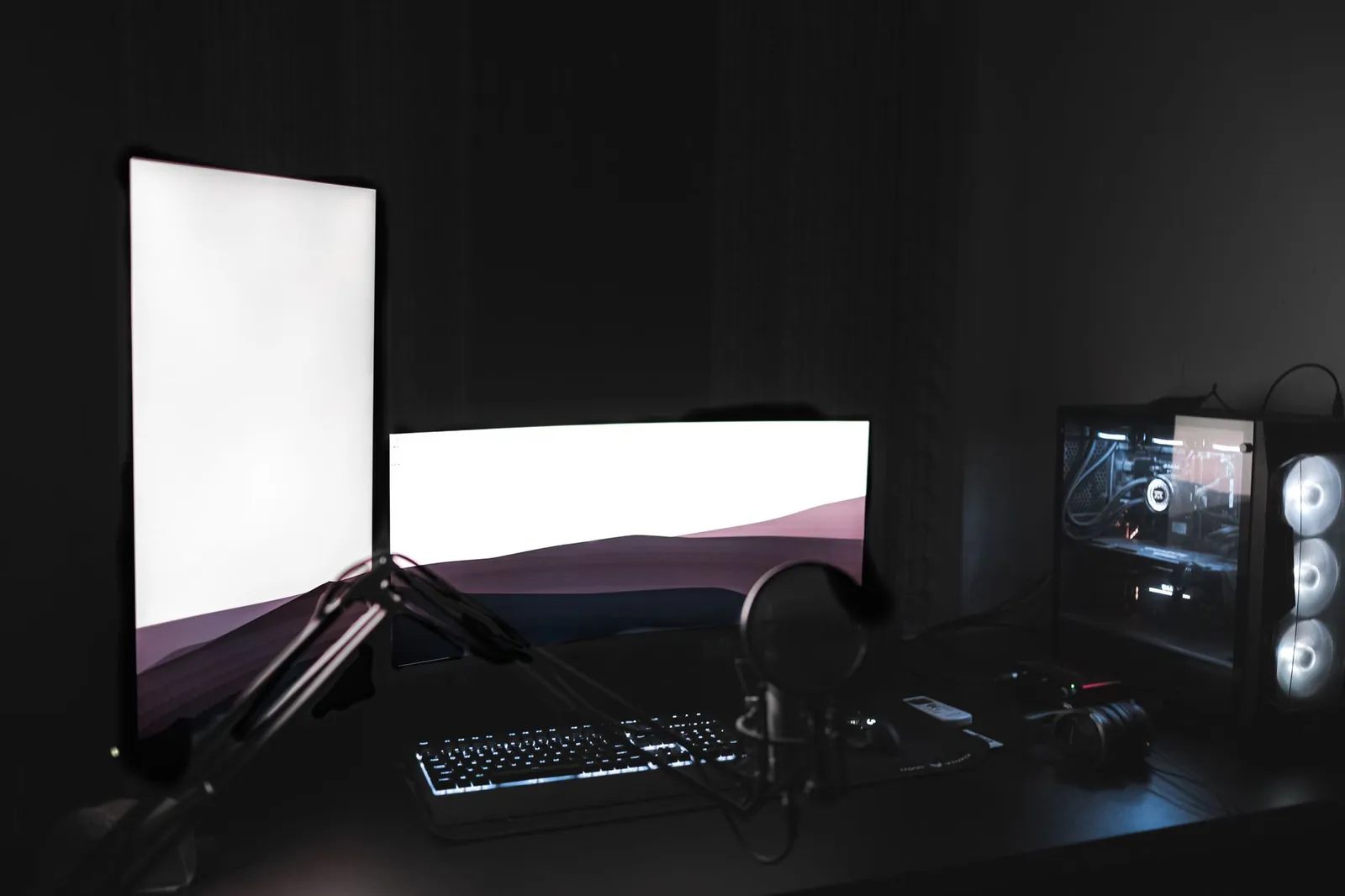
A home streaming setup lit by a ring light with a camera and desk in a dark room
Live · Cohort 07

Go from your first shaky stream to a channel that looks like you meant it.

An online streaming academy, worldwide — six weeks to real scenes, clean audio and a channel that looks deliberate.

The six weeks

Every week you leave with something on your channel.

Two live sessions a week, one lab, and homework that runs on your own stream. No theory that never touches a broadcast.

  1. Foundations & first go-live

    Pick your platform, install and configure your broadcast software, and push a real test stream by the end of week one. We fix bitrate, resolution and dropped-frame problems on the spot.

    OBS / StreamlabsBitrateFirst broadcast
  2. Sound that keeps people watching

    Mic placement, gain staging, noise gates and a simple compressor chain. Bad audio loses viewers faster than bad video — so this is where we spend real time.

    Mic techniqueNoise gateLevels
  3. Scenes & a layout that reads

    Build a set of scenes — starting, live, break, ending — with sources that switch cleanly. You'll design a webcam frame and a lower-third that fit your channel instead of a stock pack.

    Scene switchingWebcam frame
  4. Overlays, alerts & on-brand polish

    Design overlays and alerts in a lab session, wire up follow and sub notifications, and make sure everything stays legible on a phone. Your channel starts to look deliberate.

    Overlay labAlertsBranding
  5. On camera & running a live chat

    Talking to an empty chat, reading messages while you play or create, moderation basics, and the habits that make a stream feel like a room people want to hang out in.

    On-cameraChat & mods
  6. Growth, schedule & your launch plan

    Clips, thumbnails, a schedule you can actually keep, and a 90-day plan for your first steady viewers. We review your channel one last time and send you off with a checklist.

    ClipsSchedule90-day plan
What you'll build

Four things every good channel gets right.

You don't leave with notes — you leave with a working setup you configured yourself, in labs, with someone watching over your shoulder.

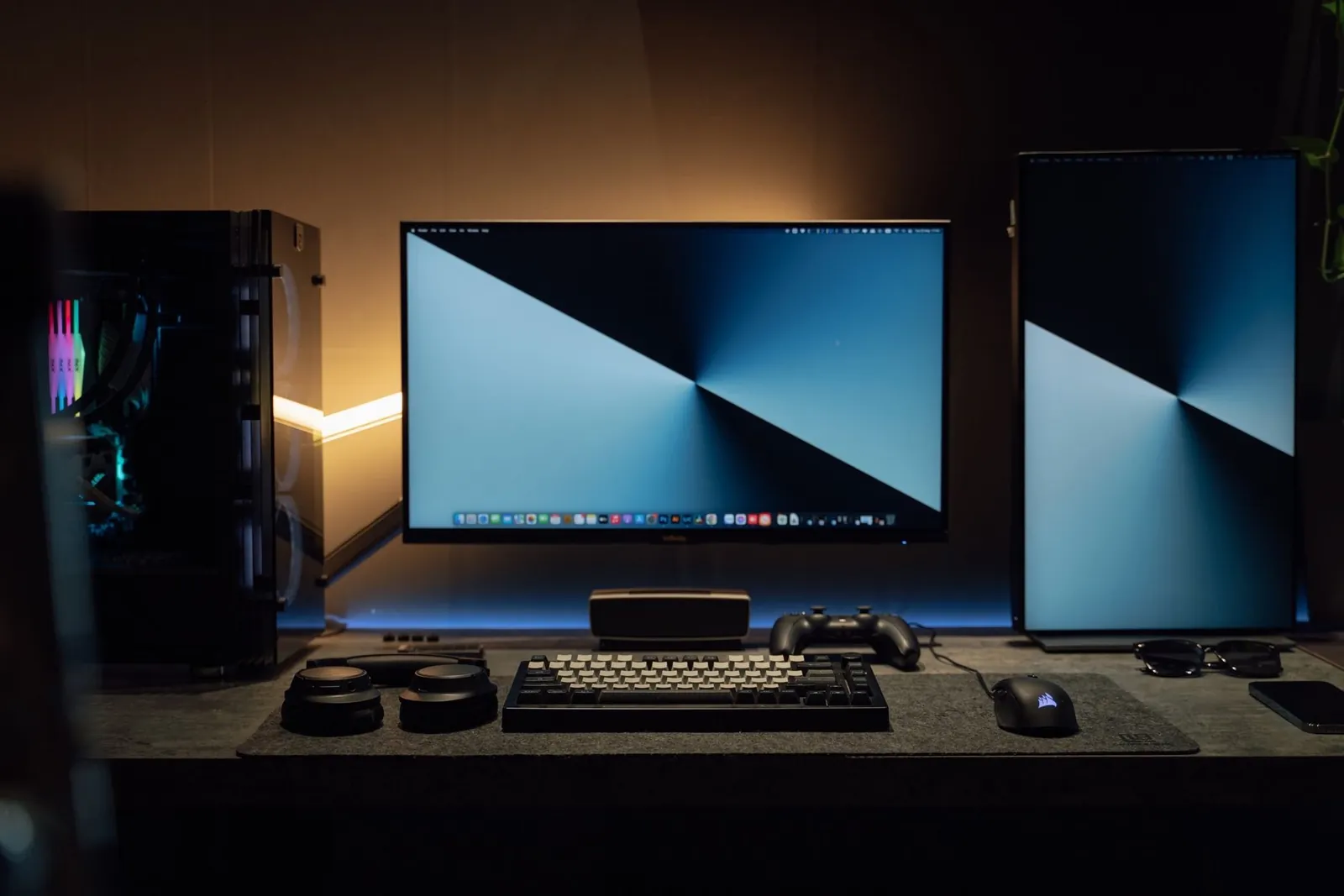
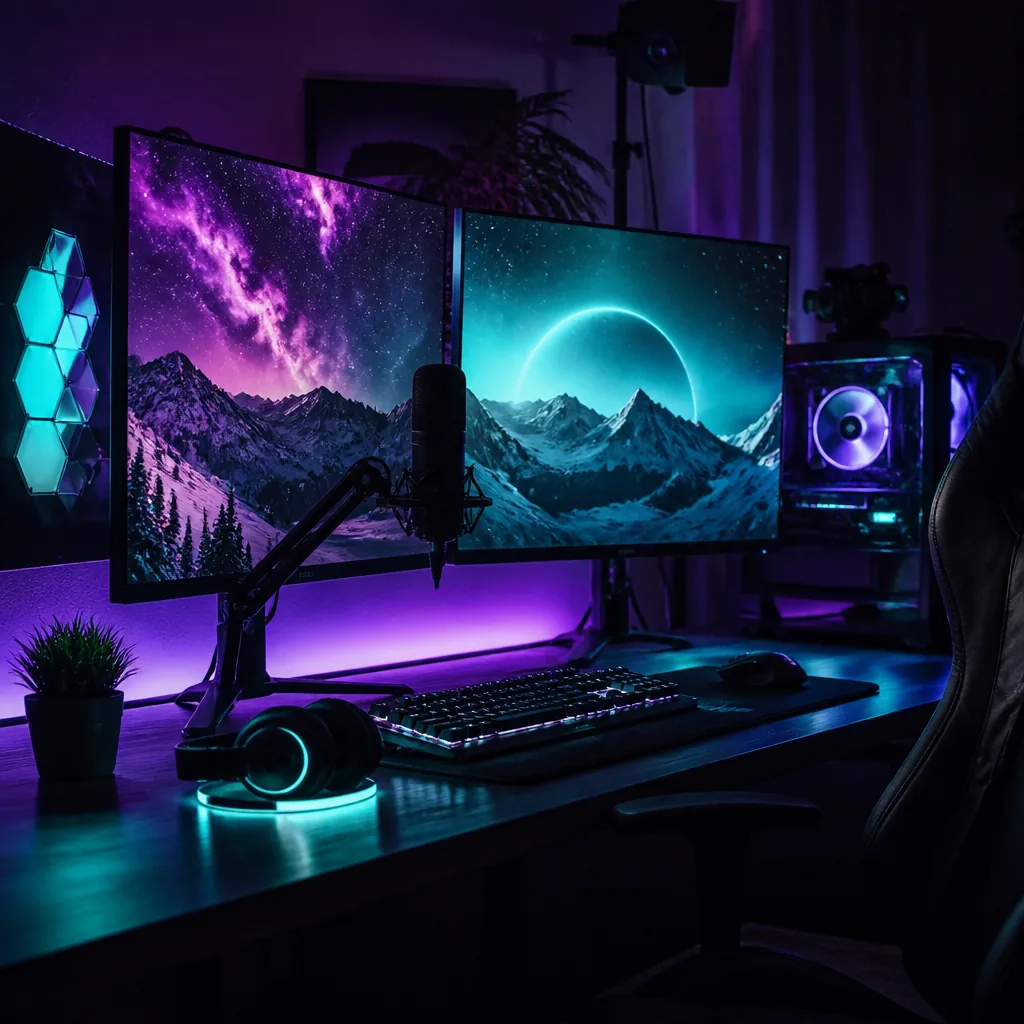
A dual-monitor gaming battlestation glowing with neon accent lighting
Scene kit

A full scene set

Starting soon, live, break and ending scenes that switch without a flicker — built around your camera, your game or your desk.

Audio

A clean voice chain

Mic, gate, and a light compressor so you sound close and clear instead of hollow and far away.

Overlay

Overlays that fit

A webcam frame, lower-thirds and alerts drawn to your channel — legible on desktop and mobile.

Close-up of a condenser microphone in a dark home studio

Your on-air sound

We tune your levels on a real broadcast until it just sounds right.

Community

People to stream with

A private cohort channel for raids, feedback and accountability — the part most solo streamers never get.

Who you'll learn from

Coaches who still go live.

Not retired gurus — people who ran the numbers on their own channels this month and can tell you what actually moved them.

Lead coach Live production & scene design · 7 years on air
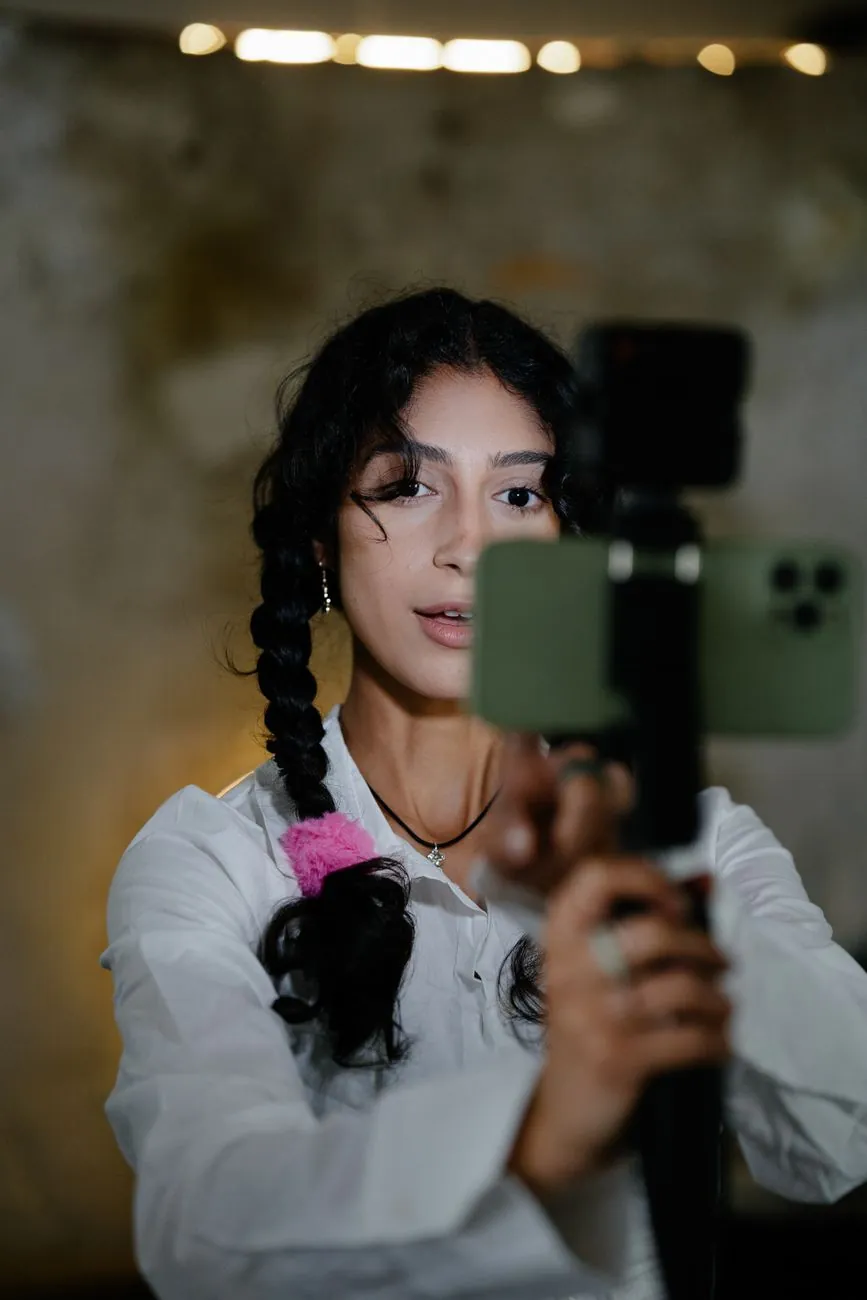
A content creator streaming to camera at a lit desk setup

Marten Kaljula

Marten builds the production side of the program — scenes, transitions, encoding and the unglamorous fixes that stop your stream from stuttering. He's run channels across gaming and IRL, and he's the one who'll dig into your logs when frames start dropping.

OBS deep-divesEncodingOverlay labs
On-air coach Audience & on-camera presence · former variety streamer
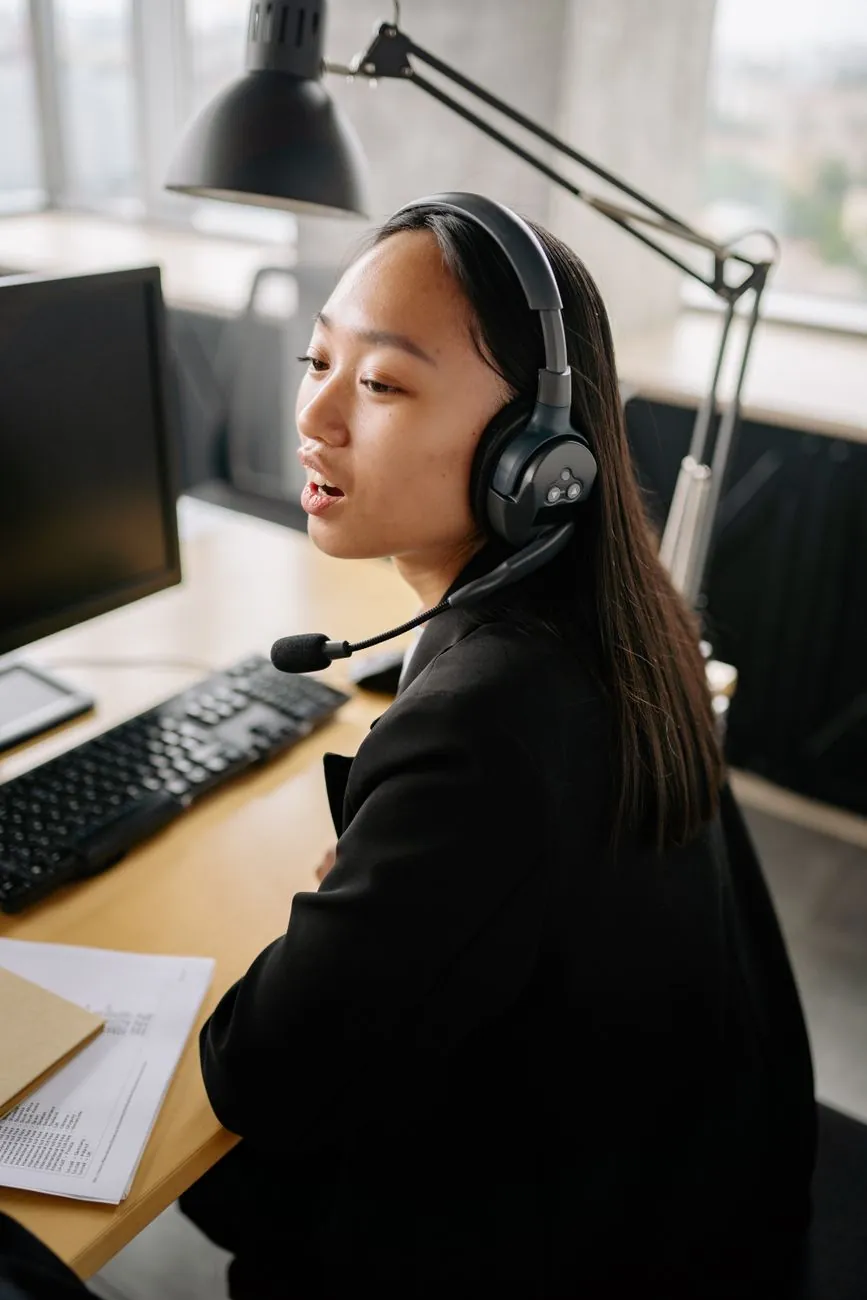
A streamer wearing a headset working at a home desk

Liis Tamm

Liis handles the human half — talking to an empty chat, holding energy across a three-hour stream, and building a schedule you'll actually keep. She reviews your broadcasts each week and gives feedback that's specific, not "just be yourself."

On-cameraChat & communityFeedback
After six weeks

What our creators walk away with.

12Streams broadcast during the program, not after it
4Scenes and an overlay pack built to their own channel
90Day growth plan with a schedule they can keep
1Community of creators who keep raiding each other after
Pricing · USD

Two ways to join Cohort 07.

Same six-week core for both. The difference is a private 1:1 coaching track on top. Payment is arranged after you apply — no card details on this form.

Most popular

Creator Launch

$420 one-time · early-bird $360 until seats fill

  • All six weeks of live sessions and labs
  • Scene, audio and overlay setup, built with you
  • Weekly feedback on your real stream
  • Private cohort community for raids and support
  • Recordings and a launch checklist to keep
Join Creator Launch
Includes 1:1

Launch + 1:1 Coaching

$600 one-time · everything in Creator Launch, plus a private track

  • Everything in Creator Launch
  • Four private 1:1 coaching calls, scheduled around you
  • A personal channel review and 90-day plan
  • Direct message access to your coach during the cohort
  • Priority seat in the next cohort if you continue
Join with coaching
What's in each plan
IncludedCreator LaunchLaunch + 1:1
Live sessions & labs (6 weeks)YesYes
Scene & overlay buildYesYes
Weekly feedback on your streamYesYes
Cohort communityYesYes
Private 1:1 coaching calls4 calls
Personal 90-day planYes
Direct-message coach accessYes
Price (USD)$420$600
Questions

Before you apply.

Do I need an expensive setup to start?

No. A basic webcam, a decent USB mic and a computer that can run your game or creative software is enough for week one. We'll tell you what's worth upgrading later and what isn't — and plenty of our creators start with gear they already own.

I've never gone live. Is this too advanced?

It's built for exactly that. Week one gets you broadcasting a test stream, and every week after adds one layer. If you already stream, the labs and feedback still push your production and audio further than most solo channels ever get.

How much time does it take each week?

Plan for two live sessions and one lab — around four to five hours together — plus a couple of hours of homework on your own stream. Sessions are recorded, so if you miss one you can catch up before the next lab.

Which platforms do you cover?

The production skills — scenes, audio, overlays, on-camera habits — carry across Twitch, YouTube and Kick. We'll help you pick the right home base for what you make and set it up properly.

How and when do I pay?

You apply through the form below with no payment details. Once we confirm your seat by email, we'll send a secure payment link or invoice. Prices are in USD: $420 for Creator Launch (early-bird $360) and $600 for Launch + 1:1 Coaching.

Is a seat guaranteed?

Cohorts are capped at twelve so everyone gets feedback time. If a cohort fills, we'll offer you the next available start date rather than squeezing the room.

Cohort 07

Save your seat in the next cohort.

Tell us where you're starting from and which plan fits. We'll email you within two working days to confirm your seat and send payment options — nothing is charged here.

◷ Limited to 12 seats · payment arranged after you apply

By applying you agree to our Terms and Privacy Policy.